


Remove Background Music - AI Vocal Remover and Music Remover
Instantly remove background music from audio or video tracks. Isolate vocals or create instrumentals from any song or video. Our online AI vocal remover tool lets you separate voice from music and achieve studio-quality results in seconds.
Upload File


Need Vocals Only? Instruments
Only? We've Got You.
Stop struggling with imperfect audio. Our advanced music separation technology delivers clean, crisp vocal and instrumental tracks, ready for your next project.
Let's Try Example
00:00:00 / 00:00:00
Why Choose Our AI Vocal & Music Separator?
In a word, control and precision. Take full control of your audio with our powerful AI Vocal & Music Separator. Whether you're a podcaster, DJ, content creator, or musician, this tool helps you remove vocals, extract instrumentals, or cleanly separate voice from music with accuracy.
- Vocal & Instrument Separation: Isolate vocals or create clean instrumental tracks from any song or video.
- Remove Music from Videos & Songs: Extract voice from songs or remove background music to make your content stand out.
- AI-Powered Audio Processing: Built with advanced machine learning for accurate, high-fidelity audio separation.
- Multi-Format Support: Works with MP3, WAV, MP4, and more.
- Fast & Seamless: Upload, separate, and download your files in seconds.
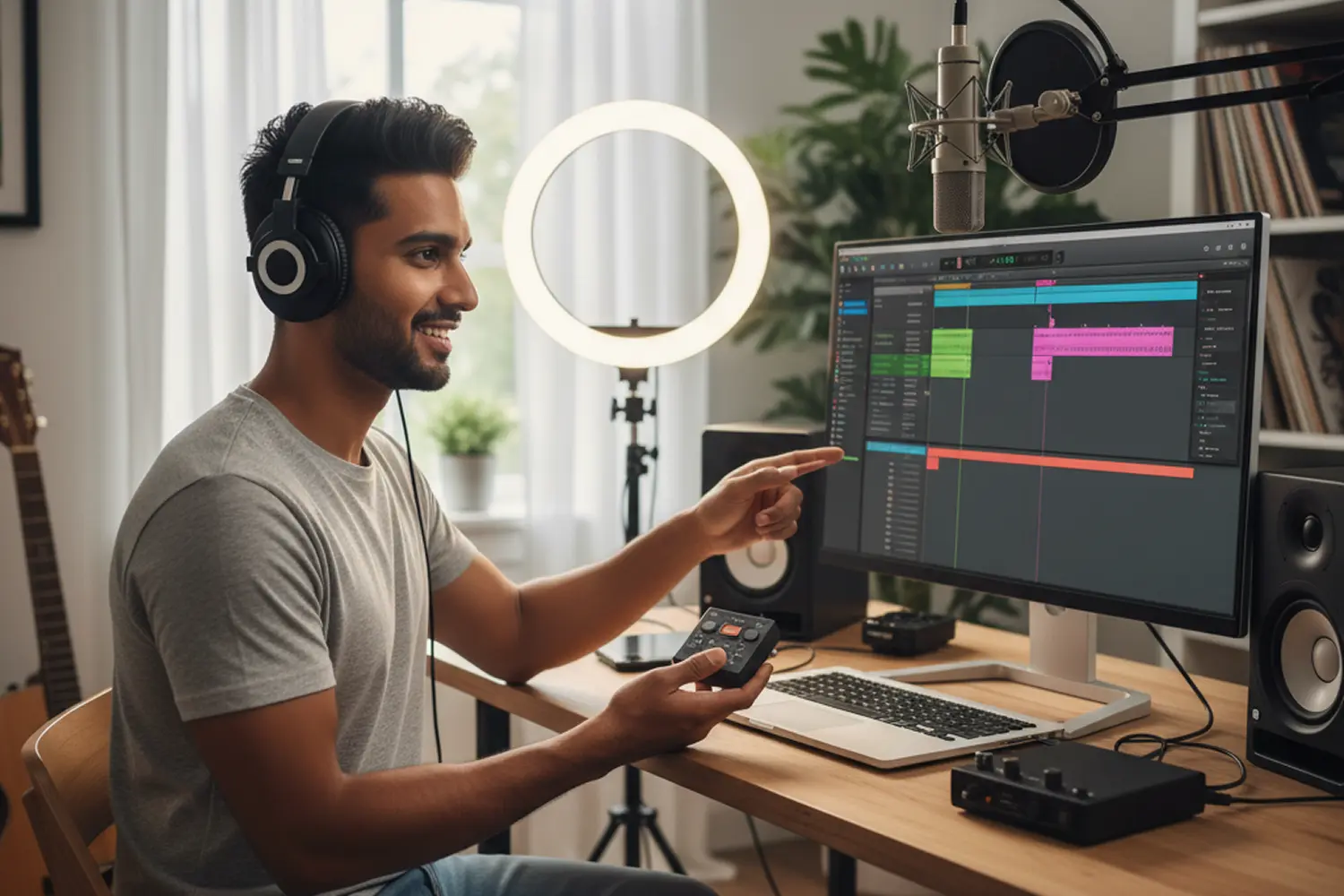
More Than a Simple Music Remover
Don't settle for hollow, robotic-sounding audio from basic filters. Our tool is a true voice remover and music separator, using advanced AI to understand the sonic details of your track.

Precise AI Separation
Unlike basic tools, our AI acts as a true voice remover, cleanly splitting vocals and instruments without quality loss.

Studio-Grade Stems
Get professional results every time. Perfect for creating acapellas, instrumentals, and karaoke tracks.

Instant Processing
Upload your file and get your separated audio in seconds. No waiting, no hassle.
Who Can Benefit from Our Music & Voice Remover
Our versatile Music & Voice Remover is designed for a wide range of users, from professional producers to aspiring content creators. See how our tool can provide the perfect audio for your specific project, whether you're making a remix, editing a video, or creating a backing track for practice.
- 🎤 Singers & Musicians: Isolate instrumentals for rehearsal or create backing tracks by removing vocals from any song.
- 🎧 DJs & Producers:Extract clean acapellas for remixes with our AI voice remover and audio sampler.
- 📹 Content Creators: Get crystal-clear audio for your videos by removing background music from any video file.
- 🎓 Educators & Music Students: Isolate specific instruments or analyze complex vocal harmonies. Perfect for deconstructing songs for music theory, practice, and education.
- 🎙️ Podcasters & Journalists: Clean up interviews by removing intrusive background music. Isolate dialogue for easier transcription and clearer speech.
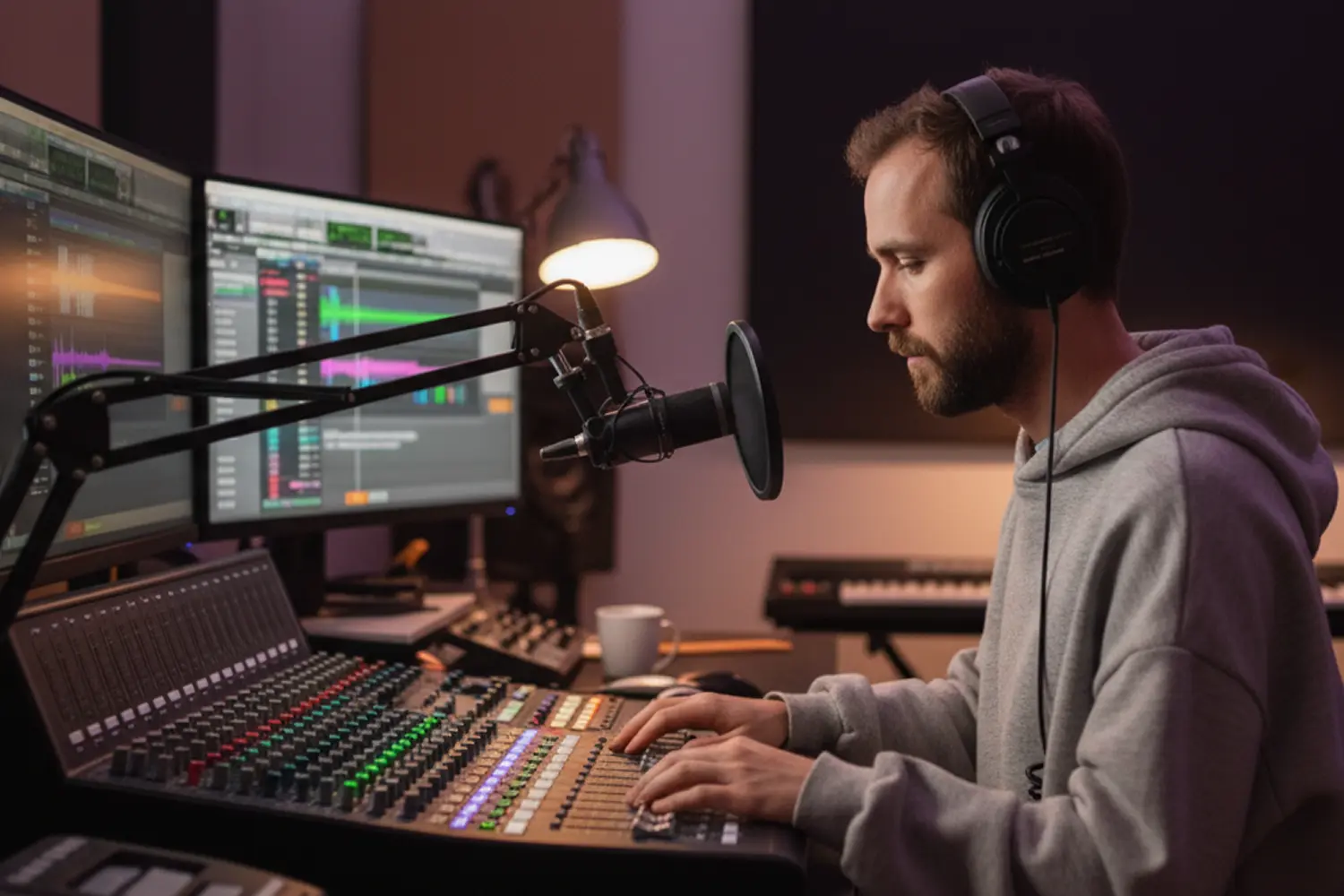
What Users Love About Our AI Vocal Remover
See how creators, musicians, and producers use our AI tool to remove vocals, separate music, and get the best quality results in a flash.
This tool is incredible! I separated vocals from a live concert recording and got super clean stems in seconds. It saved me hours of manual work.
Lena Rivera
Music Teacher
Finally, a vocal remover that actually works. I’ve been using it to make custom acapellas for my remixes — it’s fast and accurate. Highly recommended!
DJ Nox
Electronic Producer
I use it for karaoke tracks and rehearsal. Just drag, drop, and boom — isolated vocals or instrumentals. It’s become part of my daily workflow.
Kayla Songs
Singer-Songwriter
How to Separate Vocals from Music
Easily extract vocals or instrumentals from any song, audio, or video in just a few clicks. No audio editing skills needed!
Separate Vocals
Record/Upload Your Audio/Video
Choose or record audio or video containing vocals and background music.
Separate Vocals and Instrumentals
Our AI will automatically isolate vocals from music with precision.
Download Separated Tracks
Download the isolated vocal or instrumental track in your preferred format.
Simple Pricing For Everyone
Pricing built for business of all sizes. Always know what you’ll pay.
Frequently Asked Questions
Easily extract vocals or instrumentals from any song, audio, or video in just a few clicks. No audio editing skills needed!